
DNS Switcher
Utility · iPhone · Android
DNS Switcher: Switch your phone’s DNS with one tap.
Point your iPhone or Android phone at Cloudflare, Google or a DNS server of your own, from the app or from a home-screen widget. No account, no ads, nothing collected.
- For iPhoneApp Store
- For AndroidGoogle Play
Coming soon to the App Store and Google Play. Requires iOS 17 or later · Android 8.0 or later.
- Platforms
- iPhone and Android
- Requires
- iOS 17 · Android 8.0
- Data collected
- None
- Publisher
- Bit Microsystems LLC
In short
What is DNS Switcher?
DNS Switcher is a small utility for iPhone and Android that changes which DNS resolver your phone uses. One switch sends your phone’s DNS lookups to Cloudflare (1.1.1.1), Google (8.8.8.8) or a server you enter yourself, and one more tap puts you back on your network’s own DNS. It changes DNS and nothing else: it is not a privacy VPN, and it does not encrypt or reroute your traffic.
The app
One screen, and nothing to learn
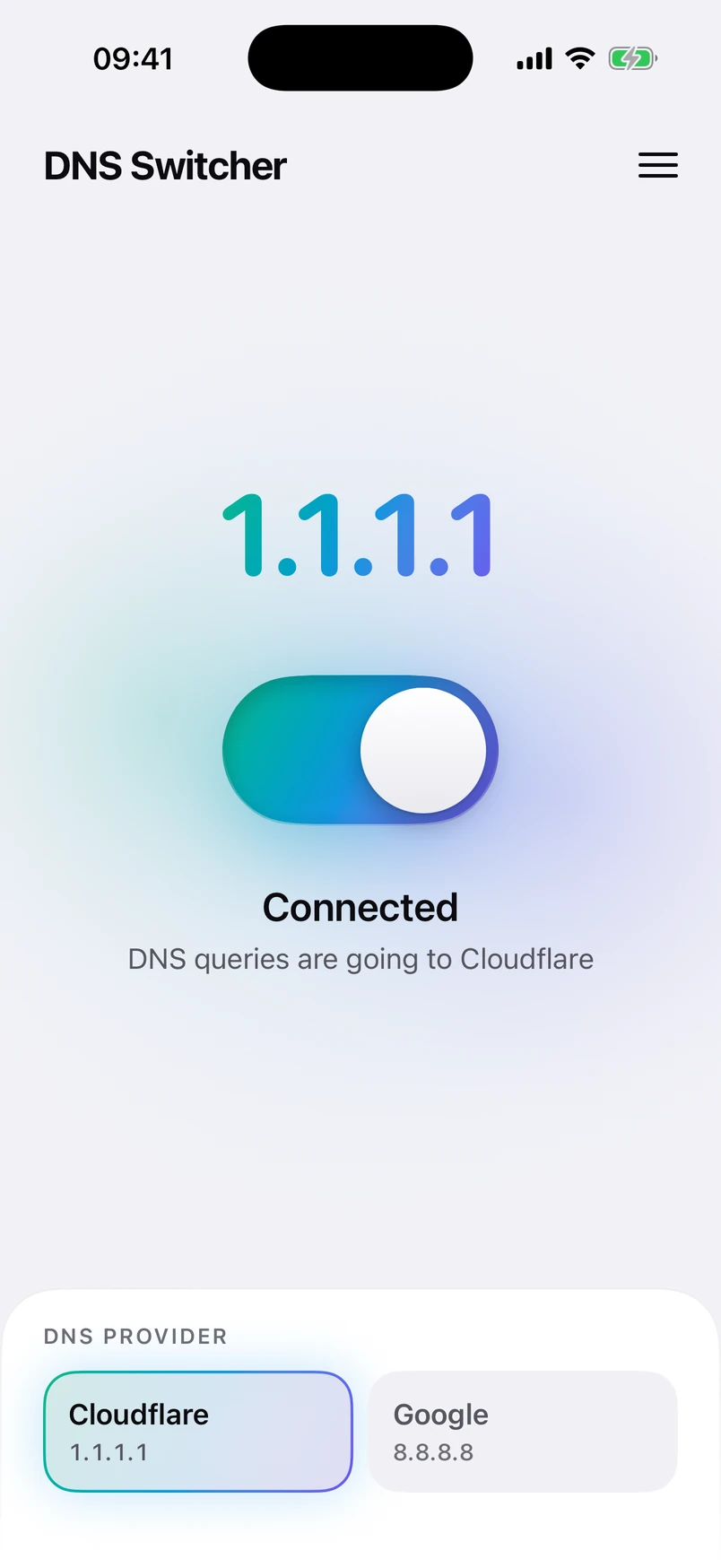
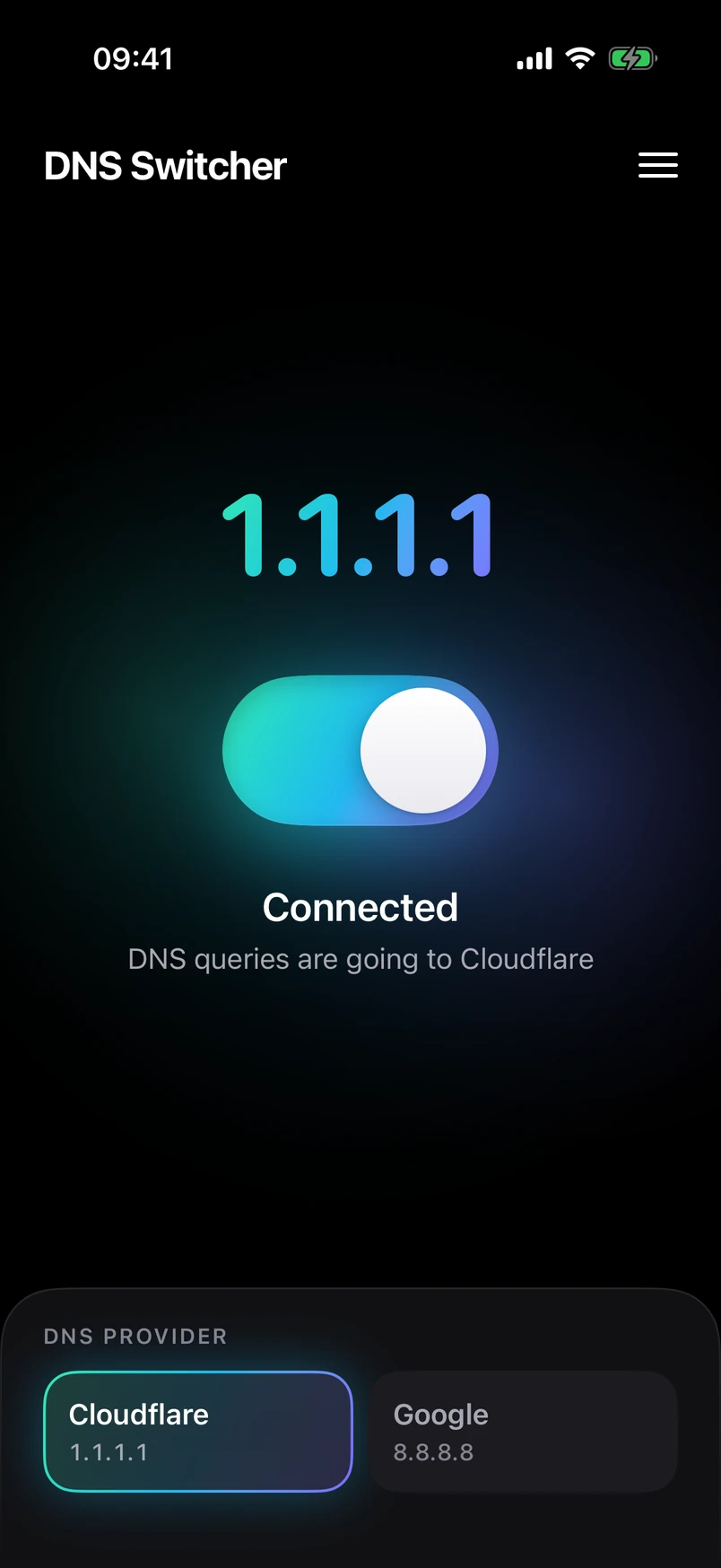
Real screenshots from the app. What you see is all there is: the address in use, the switch, and your providers.
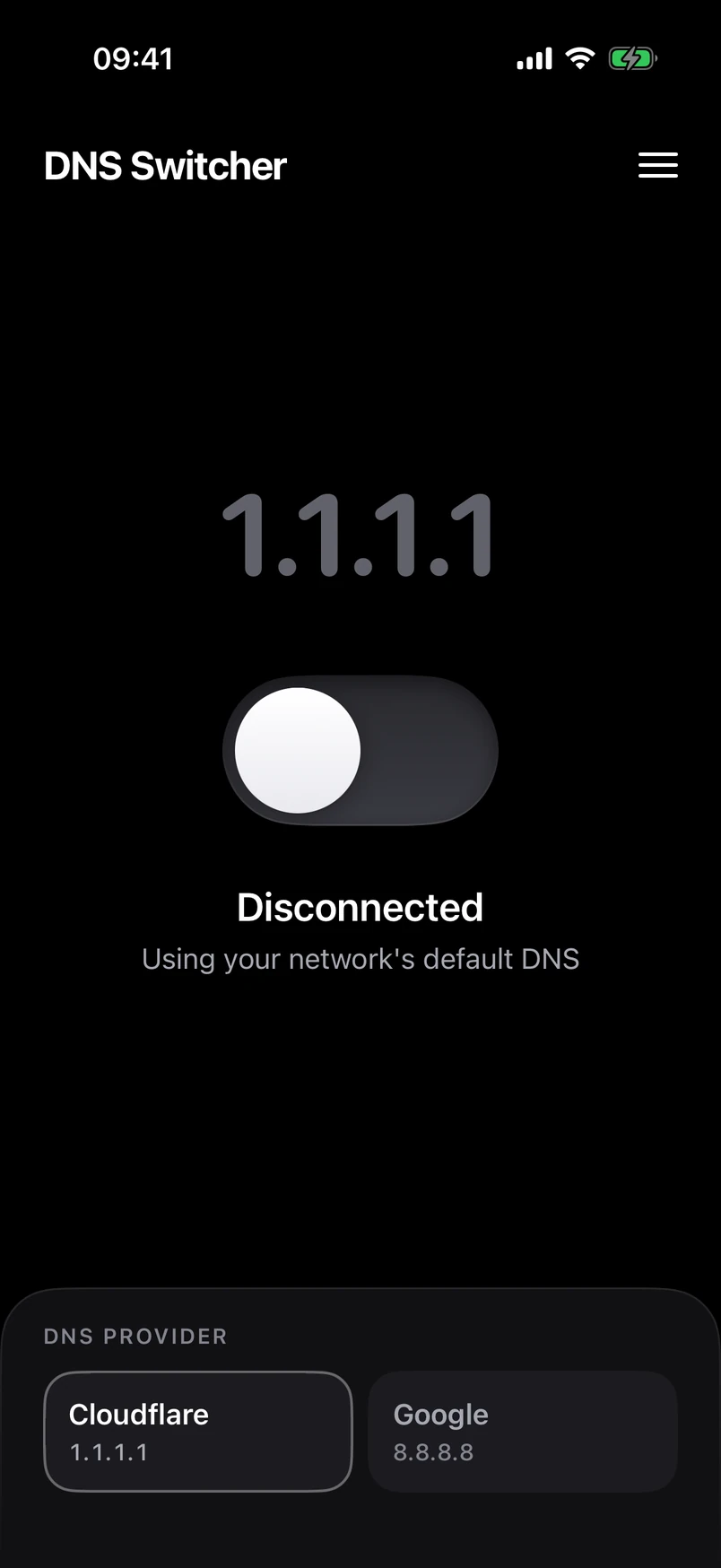
Off: your network’s own DNS 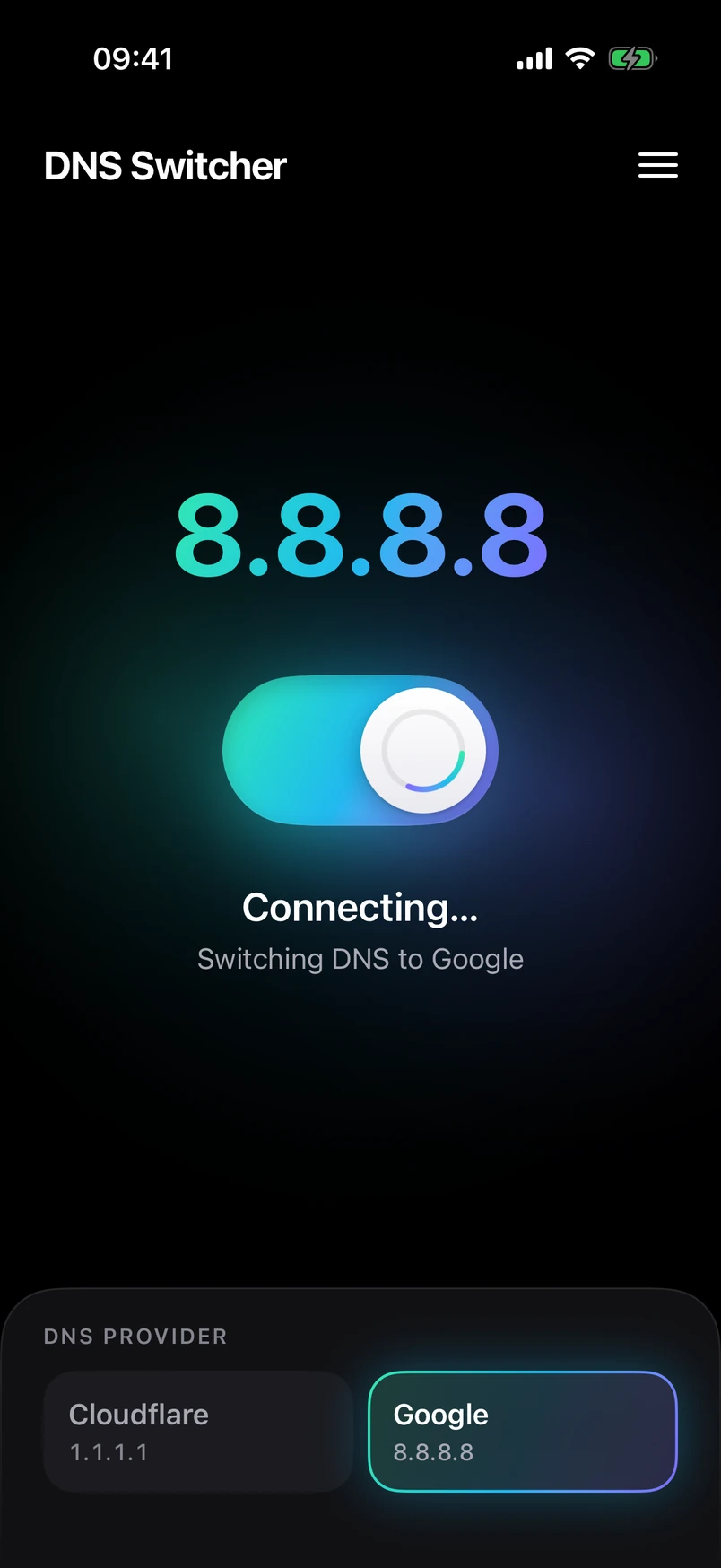
Change provider without switching off 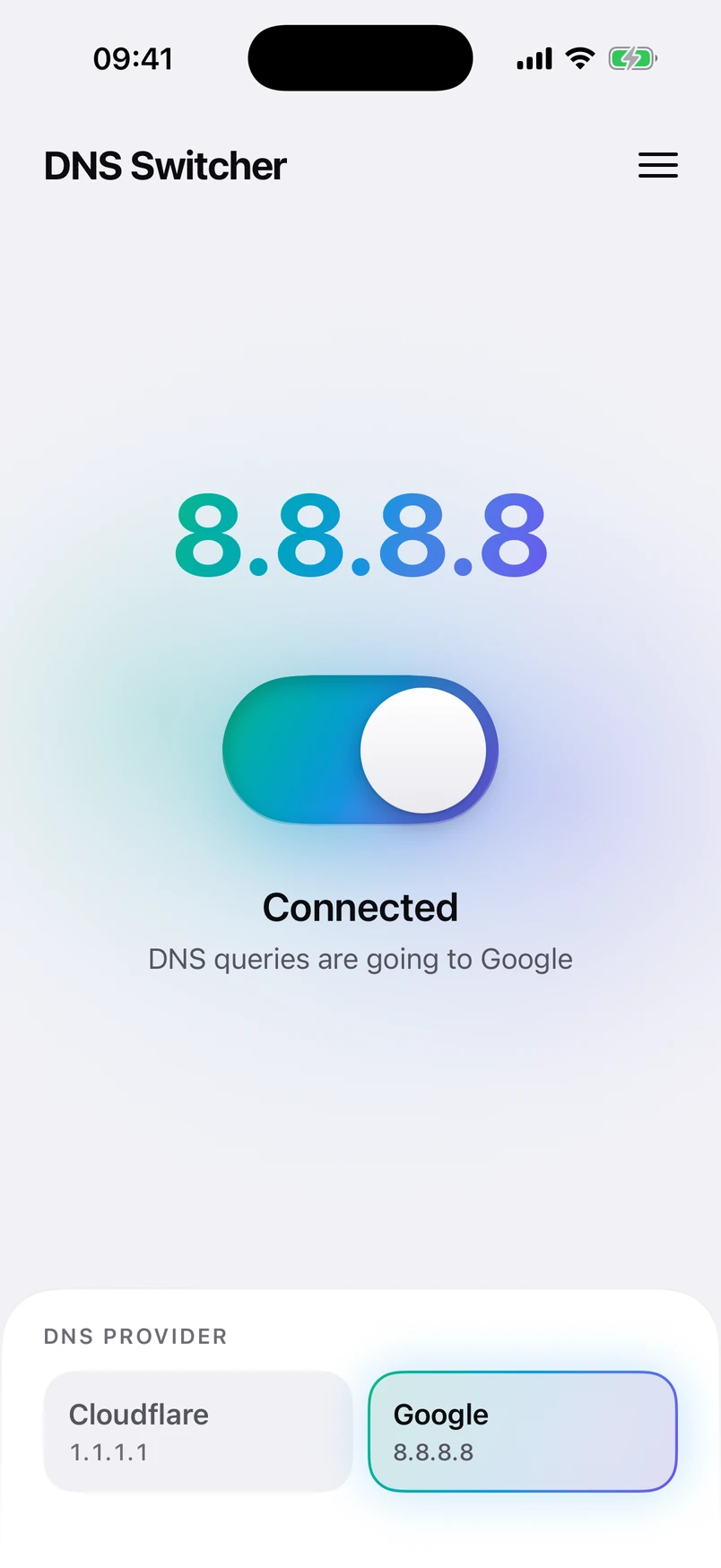
Follows light and dark mode 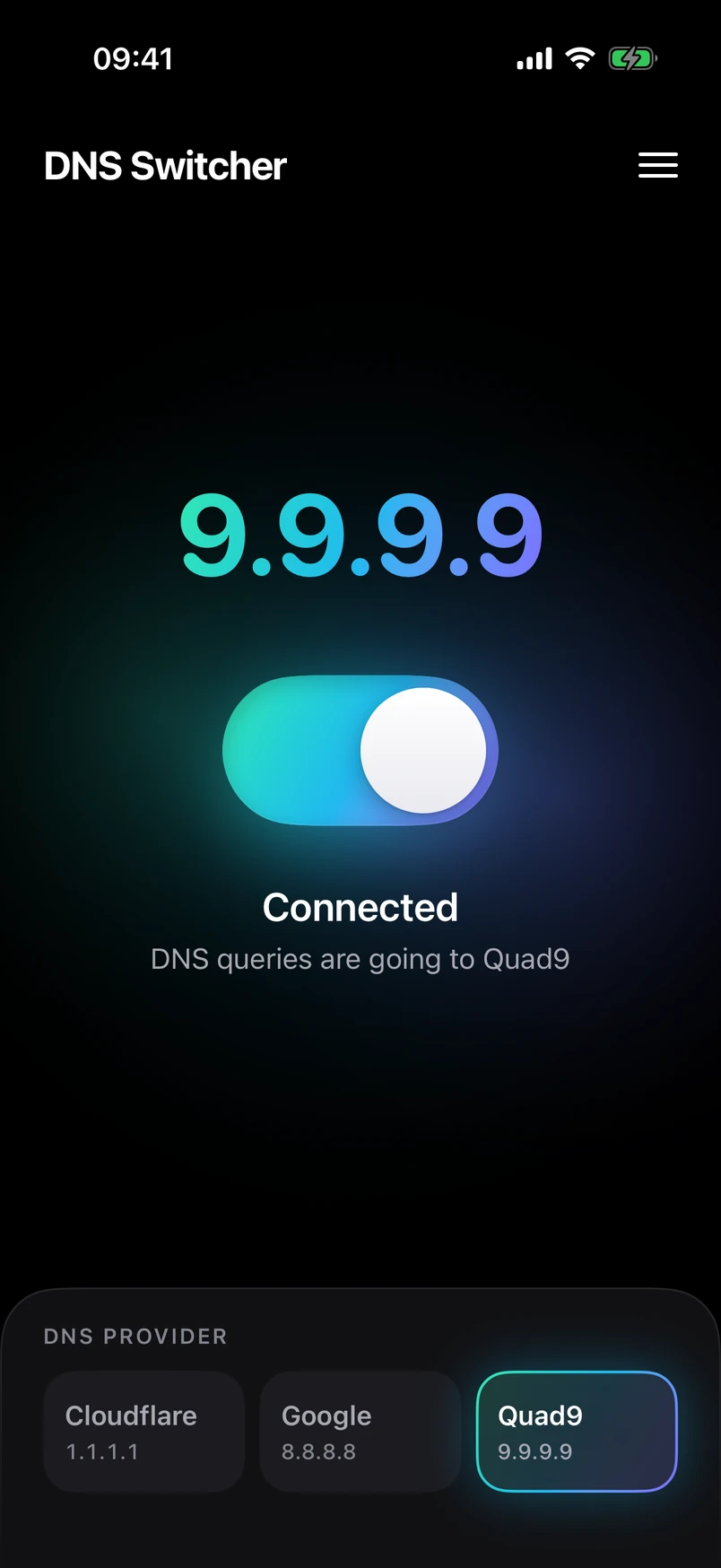
A resolver of your own 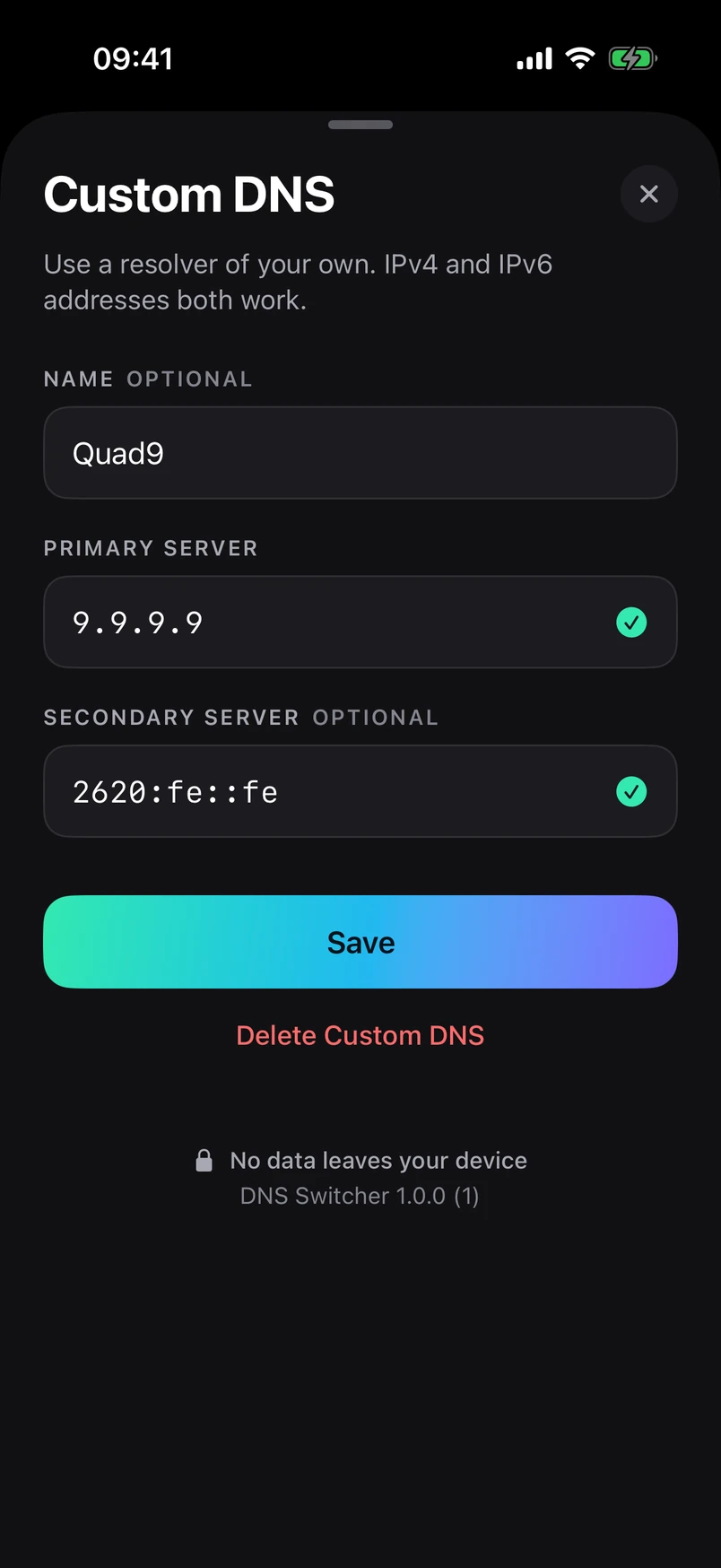
IPv4 or IPv6, checked as you type
What it does
Small on purpose
It does one job and gets out of the way.
One tap
One switch turns it on or off. The large address on screen is the resolver your phone is using, so there is never a doubt about the state.
Switch provider while it is on
Tap Cloudflare, Google or your own server at any time. The change takes a moment and you do not have to switch off first.
Home-screen widget
A small widget carries the same switch, so you can flip it from the home screen without opening the app.
Custom DNS
Add a resolver of your own by address, IPv4 or IPv6, with an optional second server as a fallback.
Straight to the switch
No sign-up, no onboarding and no settings to work through. The app opens on its one screen, with the switch in the middle.
Nothing collected
No account, no analytics, no ads. We run no servers for this app, so there is nowhere for your data to be sent.
Widget
A switch on your home screen
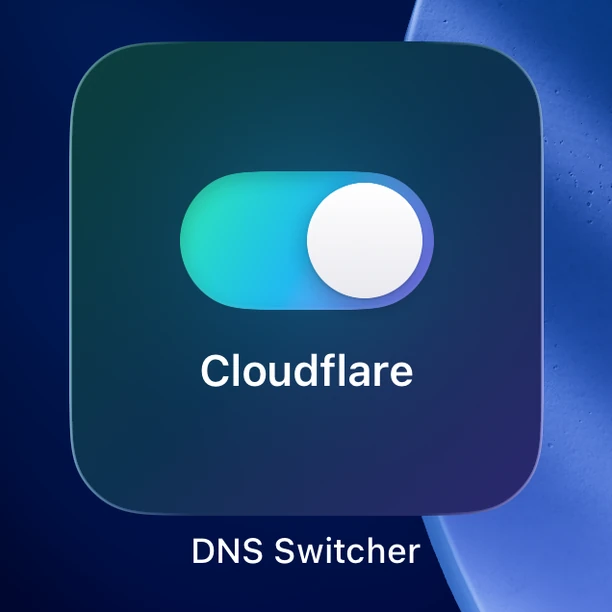
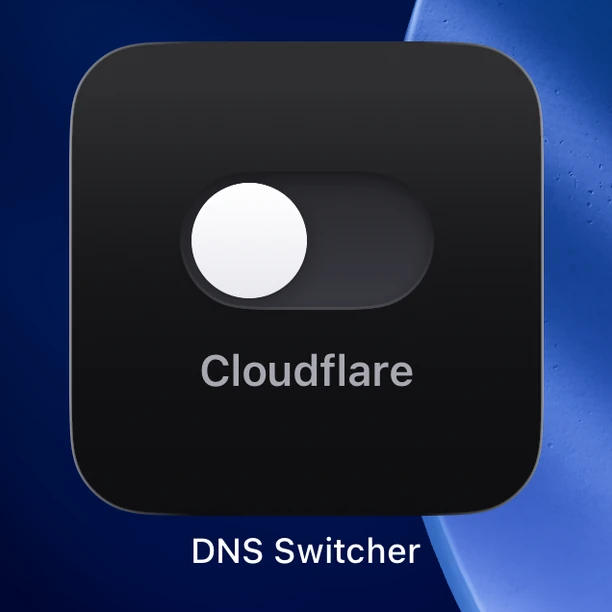
Add the DNS Switcher widget and the switch is on your home screen. It shows which provider is selected and stays in step with the app.
- Tap once to turn on, once more to turn off
- No need to open the app once the VPN permission is given
- Shows the provider you have selected
How it works
A DNS switch, in plain words
No jargon and no fine print: this is everything the app does, and everything it does not.
- 01
Pick a resolver
Choose Cloudflare (1.1.1.1), Google (8.8.8.8) or a server you have added yourself.
- 02
Allow the profile once
The first time you switch on, your phone asks to add a VPN configuration. That is the only way iOS and Android let an app change DNS for the whole phone.
- 03
Lookups go to your resolver
While it is on, your phone’s DNS lookups go to the resolver you picked. Everything else travels exactly as it did before.
- 04
Switch off any time
One tap in the app or on the widget puts your phone back on your network’s own DNS.
What it does
- Sends your phone’s DNS lookups to the resolver you choose
- Works on Wi-Fi and on mobile data
- Uses a local, DNS-only VPN profile that exists only on your phone
- Leaves the rest of your traffic alone: none of it is routed through the app
- Turns off completely with one tap
What it does not do
- It is not a privacy VPN, and there is no VPN server behind it
- It does not encrypt your DNS lookups; it uses ordinary DNS
- It does not hide your IP address or your location
- It does not route, inspect, filter or block your traffic
- It does not change DNS for apps that use their own, such as a browser with secure DNS turned on
Questions
Frequently asked
Straight answers about DNS Switcher. For anything else, see the support page.
What does DNS Switcher do?
It changes the DNS resolver your phone uses. DNS is the lookup that turns a name such as example.com into the address your phone connects to. With DNS Switcher on, those lookups go to Cloudflare (1.1.1.1), Google (8.8.8.8) or a server you entered, instead of the one your Wi-Fi or mobile network assigns. Switch it off and your phone is back on the network’s own DNS.
Why does it ask to add a VPN configuration?
iOS and Android do not let an app change DNS for the whole phone directly. The supported way is a VPN profile, so DNS Switcher installs one that is local and DNS-only: it only tells the system which DNS resolver to use. There is no remote VPN server, and your web and app traffic does not pass through it. Your phone asks for permission once, the first time you switch on.
Is DNS Switcher a VPN? Does it hide my IP address?
No. It uses the system’s VPN mechanism only to set the DNS resolver. It does not hide your IP address, does not change your location, does not encrypt your traffic and does not route anything through another server. If you need those things, you need a full VPN service, which this is not.
Does it encrypt my DNS or make it private?
No. DNS Switcher does not encrypt anything: it uses ordinary DNS, the same kind your phone uses by default. The resolver you choose sees the names you look up and your IP address, under its own privacy policy, and the networks in between can generally see the lookups too. What changes is who answers your DNS lookups, not whether they are visible.
What data does DNS Switcher collect?
None. There is no account, no analytics, no advertising, no crash reporting and no identifier, and we operate no servers for the app. Your settings stay on your phone. The only requests the app itself makes are version checks with Apple’s App Store or Google Play, so that it can require the latest version; those go to Apple or Google, not to us.
Can I use my own DNS server?
Yes. Open the menu, choose Custom DNS and enter the server’s address, IPv4 or IPv6, with an optional second server as a fallback. It then appears next to Cloudflare and Google as a provider you can switch to. Custom servers are entered by address; host names and DNS-over-HTTPS addresses are not supported.
Why would I change my DNS at all?
Common reasons are wanting the same resolver on every network you join, working around a network whose own resolver is slow or unreliable, or using a resolver that you or your organisation runs. DNS Switcher makes that a one-tap choice. It makes no promise that any resolver is faster or better for you; that depends on your network.
Why does the app ask me to update before I can use it?
DNS Switcher only runs on its latest version. When a newer version is in the App Store or on Google Play, the app shows an update screen until you install it. It is a small app, so updates are small too, and it means everyone is on the same, current build.
Is DNS Switcher made by Cloudflare or Google?
No. DNS Switcher is an independent app published by Bit Microsystems LLC. It can point your phone at the public DNS resolvers that Cloudflare and Google operate, but it is not affiliated with, sponsored by or endorsed by either company.
The details
Privacy, terms and support
Written for this app specifically, in plain language.
DNS Switcher is an independent app from Bit Microsystems LLC. It is not affiliated with, sponsored by or endorsed by Cloudflare, Google or any other DNS provider; their names are used only to identify the public DNS services the app can point to. Cloudflare and 1.1.1.1 are trademarks of Cloudflare, Inc. Google, Android and Google Play are trademarks of Google LLC. Apple, iPhone, iCloud, Face ID and Touch ID are trademarks of Apple Inc., and App Store is a service mark of Apple Inc. IOS is a trademark of Cisco, used by Apple under licence. All other names, including those shown in screenshots, belong to their owners.
Support
Need a hand with DNS Switcher?
The support page covers the common questions. If yours is not there, write to us and a person on our team will reply.